Block Puzzle: Brain Blast — Make Room for the Next Shape
A shape that fits now can leave an awkward space behind. Block Puzzle: Brain Blast makes that small decision the heart of a colorful placement puzzle: move blocks onto the board, complete a row or column, and use the cleared space to keep building. You choose where each piece belongs rather than simply filling the first opening you notice. A useful move can improve the shape of the empty space as well as bring a line closer to completion.
Look across the board before releasing a block. A nearly complete row may need one exact outline, while a column could offer an easier clear with the piece already available. Filling a convenient corner can leave isolated holes that are harder to use later. Try keeping a connected opening for larger shapes, then use smaller gaps when they help finish a line instead of scattering blocks across the whole board.
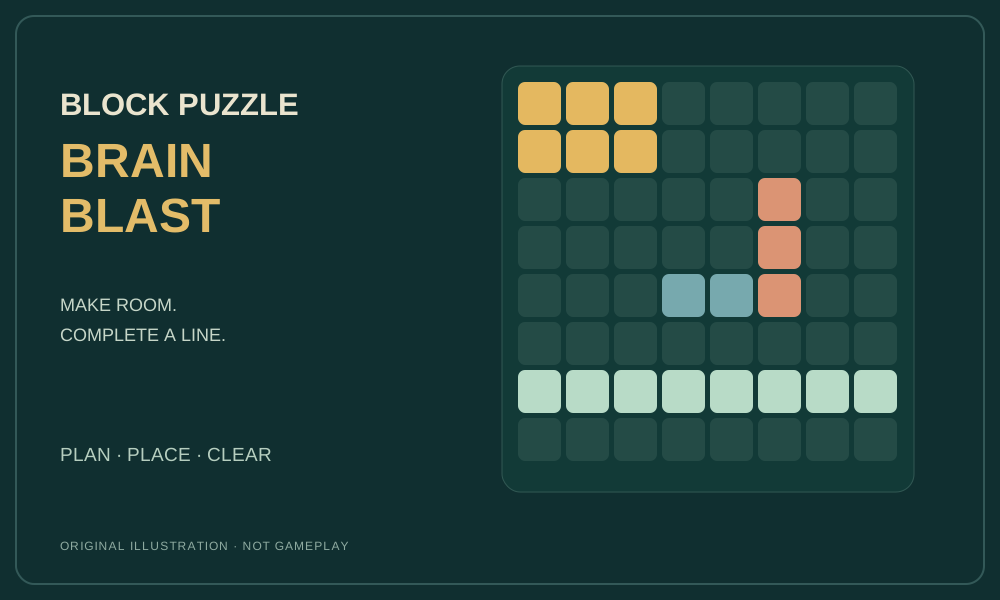
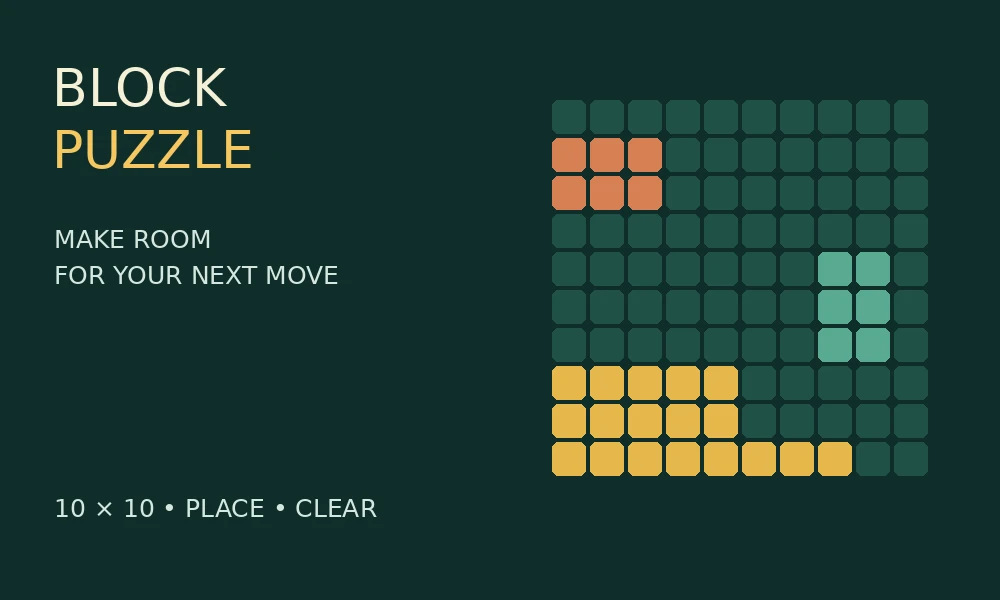
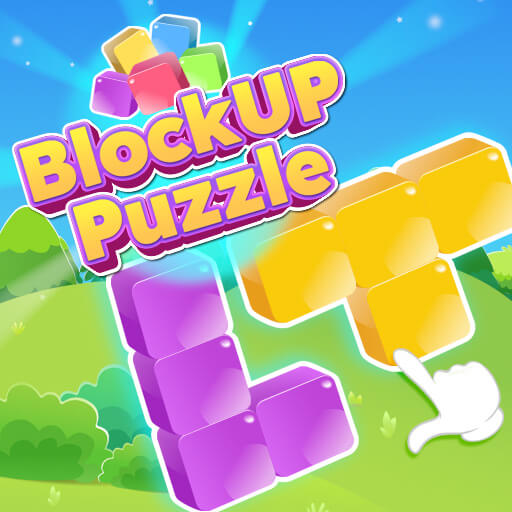
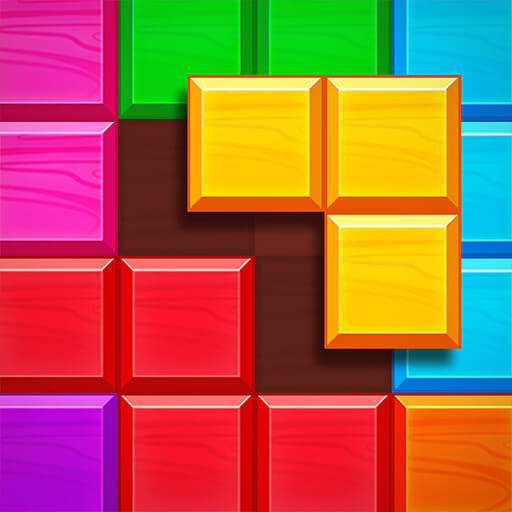
This is the GameMonetize-hosted version listed as Block Puzzle: Brain Blast. Its publisher describes drag-and-place controls and score-based row and column clearing. On a computer, hold the left mouse button to move a block and release to place it; the listing also describes touch controls. The appeal is learning to read the available space and improve your next placement. The cover on this page is an original illustration of that idea, not an image of the game screen.
Open the game and look at the board before choosing a block. Compare the outline of the piece with the empty cells, paying attention to narrow gaps and spaces that would become difficult to reach after another placement.
Drag and release a block
Hold the left mouse button on a block, move it to a suitable opening and release to place it. The publisher also describes dragging with touch. Aim for a space that accommodates the whole shape, not just its first square.
Complete a row or column
Fill a horizontal row or a vertical column to clear it. Check both directions before choosing a position: a move that finishes a column may be more useful than one that only extends a row.
Plan again after a clear
A cleared line changes the available space. Reconsider the next placement instead of repeating the same pattern. Try to balance immediate scoring opportunities with keeping a useful opening for another shape.
FAQs ❓
What is the aim of Brain Blast?
Place blocks to complete rows or columns and earn points. The main challenge is arranging shapes so that the board keeps offering useful openings, rather than filling empty cells without a plan.
How do I place a block on a computer?
Click and hold with the left mouse button, drag the selected block to the board, then release. Match the complete outline to an opening before letting go.
Does it clear columns as well as rows?
Yes. The publisher specifies full rows and full columns. Checking vertical opportunities alongside horizontal ones gives you more ways to free space for your next placement.
Why should I avoid small isolated gaps?
A little gap may not match the shape you want to place next. Keeping a larger connected opening gives you more flexibility; use narrow spaces when they contribute to a clear rather than creating them accidentally.
Why Play Block Puzzle: Brain Blast? 🏆
Keep empty spaces useful
Several connected empty cells often offer more options than the same number of isolated holes. Before dropping a block, picture the outline of the space that will remain around it.
Read both directions
Rows and columns share cells. Look for a placement that helps an unfinished line in each direction, and avoid concentrating only on the most obvious horizontal gap.
Choose a clear with a purpose
A line clear is especially useful when it opens room for another shape. Compare a quick score with the space it leaves behind; the most crowded part of the board may deserve attention first.